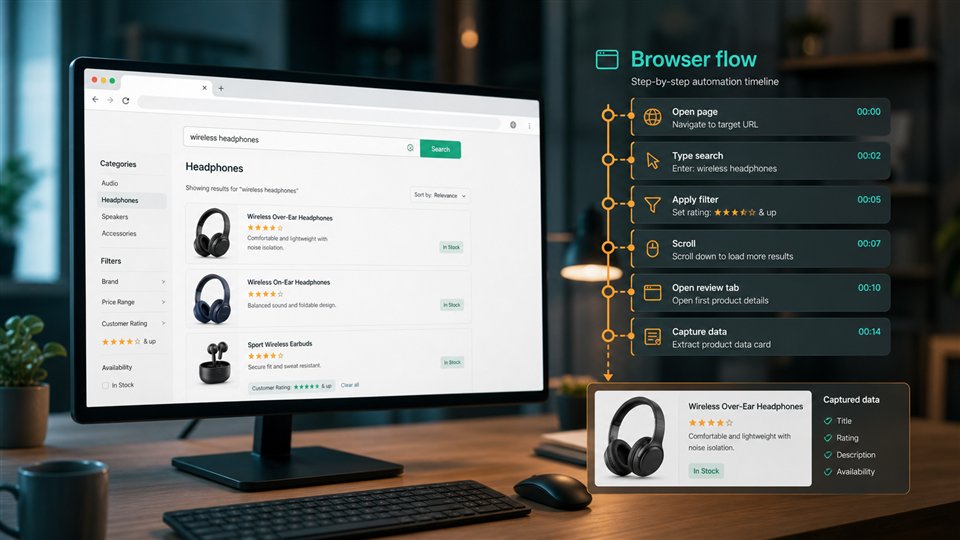
Visual proof
Capture the page state users see from the route that matters
A screenshot is useful only when it captures the right page state. Some public pages look different by country, routing quality, cookie state, viewport, JavaScript timing, or delivery path. A simple screenshot may work for easy targets, while harder pages need premium routing, country targeting, waits, or a clearer browser profile.
ScraperFly keeps that decision visible. Test the light screenshot first, inspect the visual result, then add proxy routing only where the capture proves it needs stronger or regional delivery.
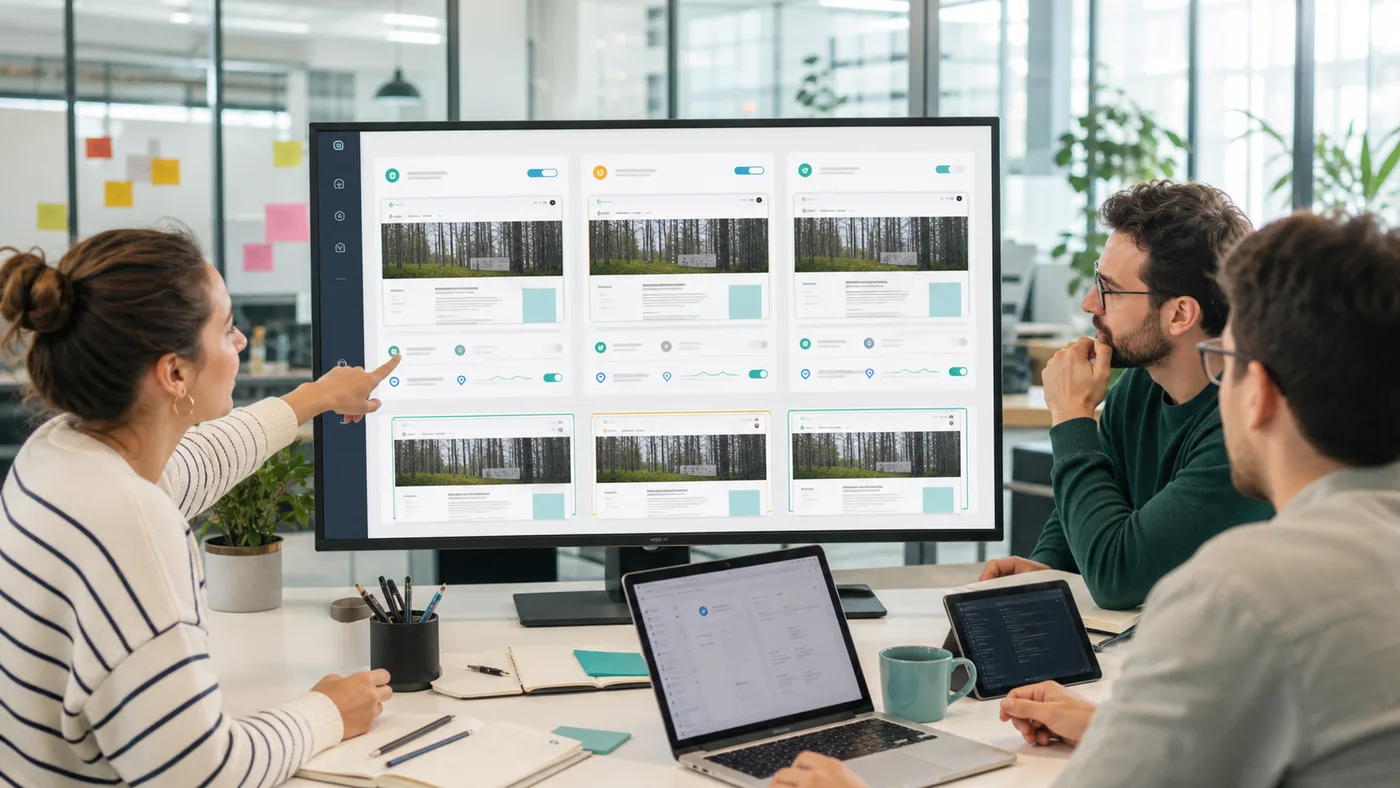
What is a screenshot API with proxies?
A screenshot API captures a rendered public webpage as an image. Proxy routing controls change the delivery path used to reach the target before the browser renders that page. Together, they help teams capture visual evidence when the page state depends on routing, region, target defenses, or request reputation.
The important distinction is that proxy routing should support the screenshot goal, not replace it. The goal is not simply to route every capture through a heavier path. The goal is to produce a trustworthy visual record of what the public page returned under the request profile your workflow actually needs.
When do screenshots need proxy routing?
Proxy routing becomes useful when a simple rendered screenshot fails or returns the wrong visual state. A target may show a block screen, a fallback page, an unexpected redirect, a regional page, a thin shell, a consent overlay, or content that differs by delivery path. In those cases, the screenshot itself becomes evidence: it shows whether the capture is useful or whether the request profile needs a stronger route.
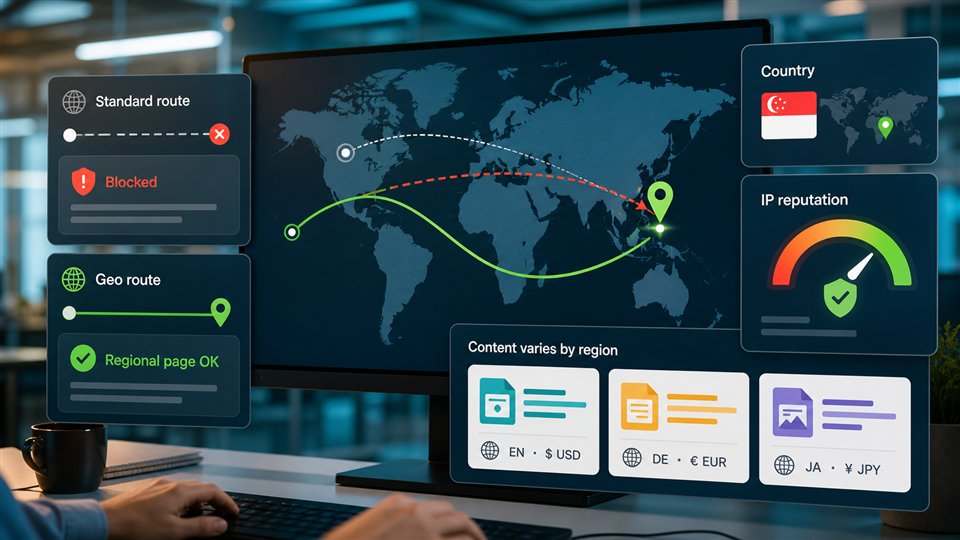
Premium routing is best for harder targets where simple delivery repeatedly returns poor visual results. Country targeting is best when the visual page depends on market, availability, local notices, language defaults, currency context, or regional redirects. The strongest workflow compares a normal screenshot against a routed screenshot before applying the heavier profile across a batch.
For broader routing strategy, review the premium proxy scraping API and country targeting scraping API pages.
What should teams compare before escalating screenshot routing?
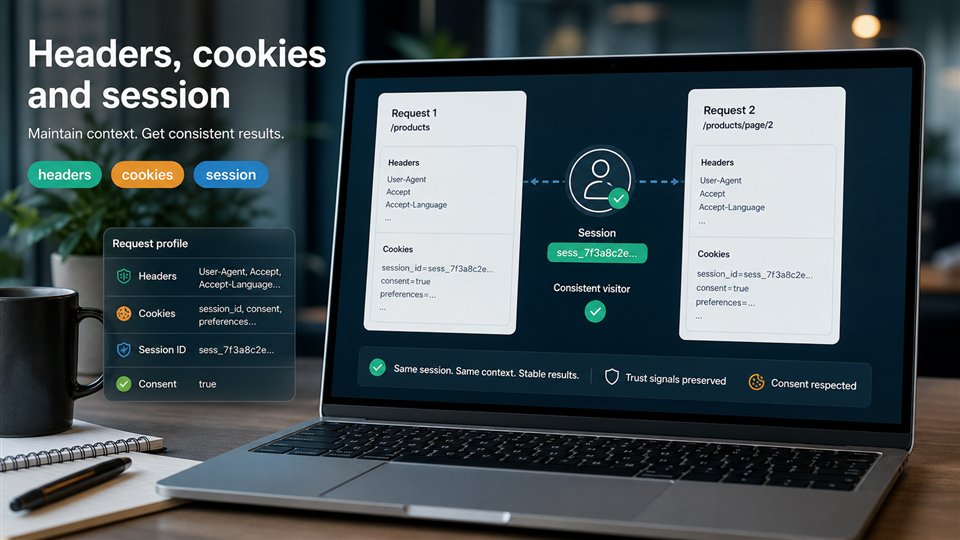
A bad screenshot can come from many causes. The route may be blocked. The country may be wrong. JavaScript may need more time. A cookie banner may cover the content. The viewport may hide the important area. A redirect may lead to a fallback page. Before repeating the same expensive request, compare the evidence that explains the visual result.
| Evidence | What it can reveal | Better next action |
|---|---|---|
| Status and final URL | The capture may have followed a redirect, block, or fallback route. | Compare baseline, premium, and country-targeted responses before changing waits. |
| Screenshot state | The page may show a consent banner, challenge, empty shell, or wrong market view. | Identify whether the issue is routing, state, rendering, or viewport. |
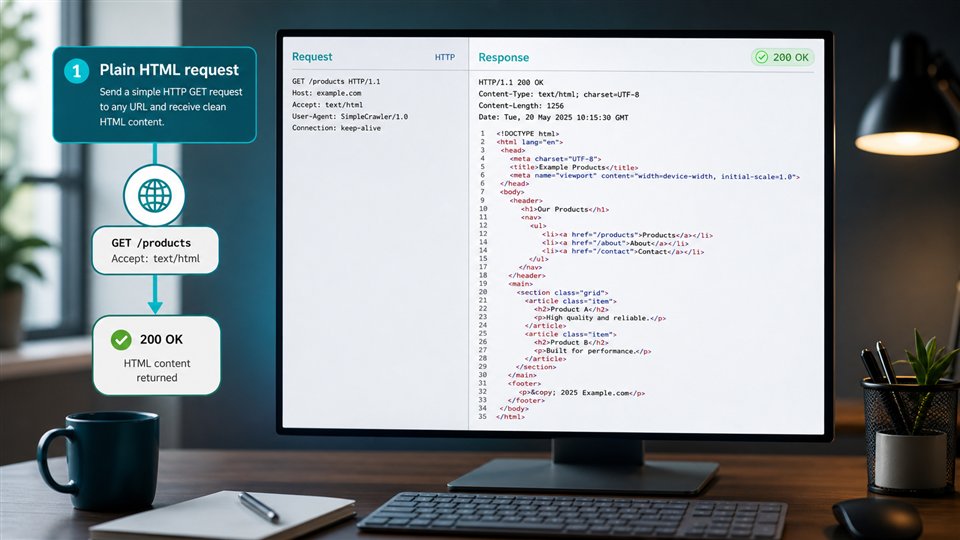
| Response size and content type | The browser may be rendering a small fallback response instead of the real page. | Check source response alongside the visual capture. |
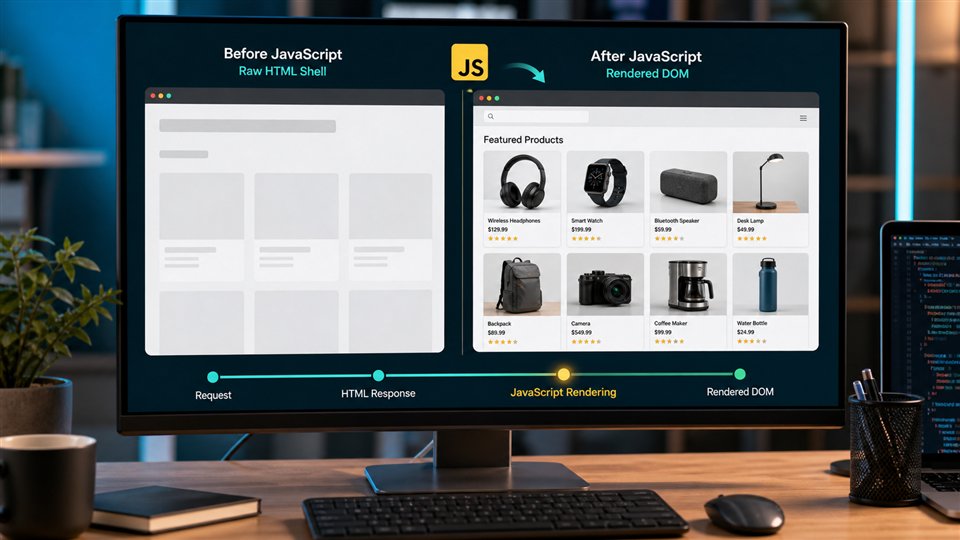
| Wait timing | The page may need more time for JavaScript, images, or late modules. | Adjust render wait only when the page is still loading, not when it is blocked. |
| Country and routing profile | The target may return different visual content by region or route reputation. | Use country targeting or premium routing only where visual differences are proven. |
How do premium routing and country targeting differ for screenshots?
Premium routing and country targeting solve different visual-capture problems. Premium routing helps when the target resists simple delivery or returns low-quality results through the default path. Country targeting helps when the page looks different by market or regional context. A screenshot workflow may need one, both, or neither.
If the screenshot shows a valid page but the wrong regional content, country targeting is the better first test. If the screenshot shows a block, fallback, or unstable delivery across samples, premium routing may be the better escalation. If the screenshot is incomplete because content appears after browser execution, the fix may be rendering or wait timing rather than proxies.
How does rendering fit into proxied screenshot capture?
Screenshots are visual output, so the page must be rendered before capture. Rendering executes browser-side JavaScript, loads layout, applies CSS, and produces the viewport state that becomes the image. Proxy routing controls the delivery path before that browser work happens. When a target is both JavaScript-heavy and delivery-sensitive, rendering and routing may need to work together.
That does not mean every screenshot should use every advanced option. If a basic rendered screenshot captures the expected state, keep it simple. If the page renders but returns the wrong region, add country context. If the page renders a block or fallback, test stronger routing. If the page is still loading when captured, tune wait behavior with the screenshot render wait workflow and compare with the JavaScript rendering API.
Which screenshot options matter most?
Screenshot quality depends on more than routing. Viewport size, full-page capture, wait timing, image output, PDF output, country context, premium routing, and response diagnostics all shape the final artifact. The right profile depends on why the screenshot exists: QA, monitoring, compliance review, product proof, visual regression, local market comparison, or archive.
| Screenshot decision | Use it when | Cost-control note |
|---|---|---|
| Basic rendered screenshot | The public page loads correctly through the normal route. | Keep this as the default for easy targets. |
| Premium routing | The target returns blocks, fallback pages, unstable captures, or low-quality visual results. | Reserve it for URL groups that prove they need stronger delivery. |
| Country targeting | The visual result depends on market, language defaults, availability, or local notices. | Apply it only to regions and pages where visual differences matter. |
| Longer wait timing | Useful content is still loading when the screenshot is captured. | Increase waits for slow pages, not for blocked pages. |
| PDF or archive output | The workflow needs portable review, audit, or recordkeeping. | Use file outputs for records that need them, not every sample. |
For choosing between visual files and structured content, compare the web scraping API response formats. Screenshots are excellent proof, but HTML, text, Markdown, and metadata are often easier for machines to compare at scale.
How should teams control screenshot proxy costs?
Screenshot workflows can become expensive when every capture uses browser rendering, premium routing, country targeting, long waits, retries, and file output by default. The practical path is to segment targets. Easy pages get the simplest rendered screenshot that works. Regional pages get country context. Hard targets get premium routing. Slow JavaScript pages get wait tuning. Archive workflows get PDFs only where records are needed.
ScraperFly's flexible credit model supports that path because teams can test before committing. Use the API Builder to compare request profiles, review pricing, and estimate heavier visual workflows with the web scraping API credit cost calculator.
Where should developers start?
Start with the target URL and a normal screenshot request. Check whether the page captured correctly. If it did, keep the profile light. If it did not, inspect the visual artifact and response metadata: status, final URL, response size, country context, routing profile, render wait, viewport, and output file. Then change one control at a time.
When the capture works, document the production profile by URL group: screenshot dimensions, full-page setting, wait behavior, routing choice, country context, premium routing decision, retry behavior, and the evidence that proves the visual result is useful. That turns proxy screenshots from trial-and-error into a repeatable capture workflow.