Visual proof
Capture what the browser actually shows before teams make decisions
A website screenshot API is useful when markup alone does not answer the question. Teams need to see whether JavaScript finished, whether the right regional version loaded, whether an overlay hides content, whether a layout changed, or whether a page state is good enough for QA, monitoring, archive, review, or customer-facing evidence.
ScraperFly keeps screenshot capture connected to the same request controls used for public web data workflows. Start with a real URL, render the page when needed, choose viewport and timing deliberately, and add headers, sessions, country targeting, or stronger delivery only when those controls change the captured result.
What is a website screenshot API?
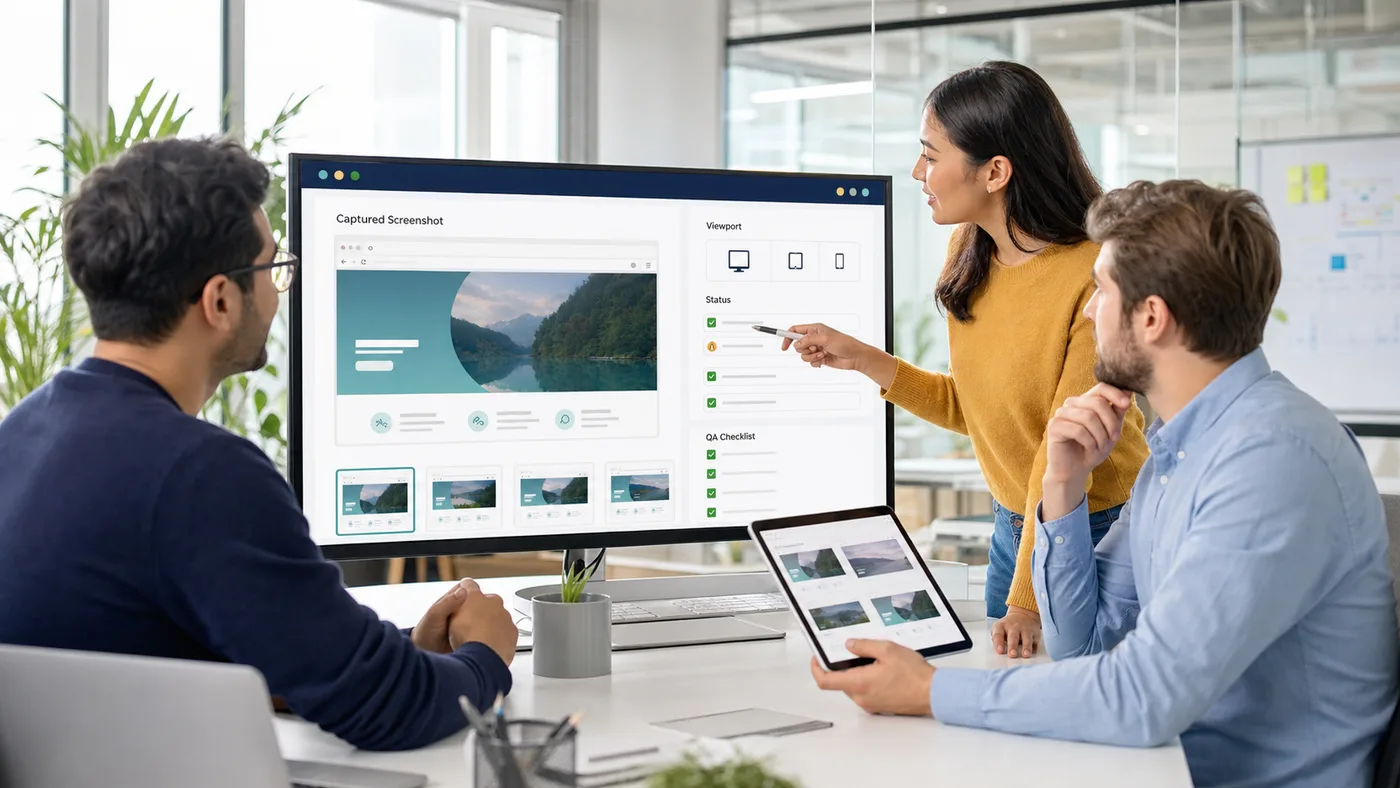
A website screenshot API receives a public URL, loads the page through a browser-style capture workflow, and returns an image of the rendered page. That image can show the visual state of the page after scripts, styles, images, fonts, responsive layout, regional content, banners, or late-loading sections have had a chance to appear.
This is different from a basic HTML scraping request. HTML tells your application what markup came back. A screenshot shows what a browser saw. Both can be useful, but they solve different jobs. Use HTML, text, Markdown, or metadata when a machine needs to parse content. Use screenshots when a person, QA system, monitoring workflow, archive process, or approval flow needs visual evidence.
Practical takeaway: use screenshot capture when the visual state of a public page changes the decision, not as the default output for every scrape.
When should teams request a rendered screenshot?
Request a rendered screenshot when the final page appearance matters. That may be a product page with price modules, a landing page with regional content, a search result page with dynamic panels, a page behind a consent prompt, a responsive layout that changes by viewport, or a monitoring target where visual proof is easier to review than raw markup.
The best workflow starts with intent. If the job is parsing fields, keep the request machine-readable. If the job is proving what appeared on screen, use screenshot output. If the page depends on browser-side JavaScript, rendering is justified. If the page loads slowly, use a controlled wait. If language, country, cookie state, headers, or routing changes what appears, capture those conditions explicitly instead of treating all screenshots as identical.
| Screenshot need | What it helps verify | Request choice | What to avoid |
|---|---|---|---|
| Visual QA | Layout, banners, broken modules, final rendered state | Screenshot with render and a representative viewport | Using HTML-only checks for problems that are visible only in the browser. |
| Monitoring evidence | Page appearance, changed sections, overlays, outage states | Screenshot plus final URL, status, and timing context | Keeping images without delivery metadata that explains the capture. |
| Regional checks | Country-specific content, language, currency, availability | Country routing or headers when response evidence proves they matter | Comparing screenshots from different request contexts as if they are equivalent. |
| Responsive review | Desktop, tablet, or mobile state | Viewport-specific screenshot profiles | Using one viewport to judge every layout state. |
| Archive or approval | Point-in-time proof for human review | Screenshot, and PDF only when a document-style record is needed | Replacing machine-readable content capture when parsing is the real goal. |
How should screenshots fit with HTML, text, Markdown, and metadata?
Screenshots should complement structured response formats, not replace them. If the downstream system needs to extract links, headings, product attributes, article text, or metadata, HTML, rendered HTML, text, Markdown, or JSON context will usually be easier to compare and process. A screenshot is stronger when the workflow needs visual proof: what the user-facing page looked like after loading.
In production, the best pattern is often paired evidence. Store machine-readable output for automation and screenshot output for review. The HTML or Markdown can support parsing, alerts, indexing, or AI workflows. The screenshot can help a human understand why the page looked wrong, why an automated check failed, or whether the captured record is credible. For broader output decisions, compare the options on the web scraping API response formats page.
What controls make website screenshots reliable?
Reliable screenshots depend on more than the URL. The capture may need a browser renderer, viewport size, wait timing, image loading, request headers, cookies, session continuity, country-specific routing, or stronger delivery for difficult targets. The important thing is to connect each control to a real visual requirement.
Use rendering when the page is browser-built. Use waits when late-loading sections change the screenshot. Use a persistent session when one request establishes state that the next screenshot needs. Use headers or country targeting when the page changes by language, region, currency, availability, consent, or client context. Use premium delivery when normal routing produces blocked, challenged, or visibly different page states. The JavaScript rendering API and render wait pages cover the rendering side in more detail.
| Control | Use it when | Screenshot impact | Decision rule |
|---|---|---|---|
| Rendering | The public page builds useful content after JavaScript runs | Completes the browser-visible page state | Compare source and rendered behavior before enabling broadly. |
| Viewport | Layout changes by desktop, tablet, mobile, or responsive breakpoint | Captures the page state the reviewer actually cares about | Define viewport profiles instead of relying on one default size. |
| Wait timing | Lazy content, banners, charts, or widgets appear after initial load | Reduces blank or half-loaded screenshots | Wait for the shortest time that makes the page state stable. |
| Headers and sessions | Language, cookies, consent, preferences, or continuity change the page | Captures the intended user-facing variant | Use request context only when it changes visual evidence. |
| Country or premium routing | Geography or network profile changes access, content, or blocks | Shows the page from the required delivery context | Escalate after response evidence shows the simple path is not enough. |
How should teams handle blank or misleading screenshots?
A blank screenshot does not always mean the target page is broken. It may mean the page redirected, JavaScript was still running, the viewport hid the important section, a cookie banner covered content, a region-specific version loaded, the target returned a challenge page, the response timed out, or the request needed a different routing profile.
Treat screenshot failures as evidence work. Compare final URL, status, content type, response size, render timing, screenshot state, source HTML, rendered HTML, and any visible blocking page. Retry only failures that are likely temporary. Change waits, viewport, headers, country targeting, sessions, or routing when the response proves those controls matter. The scraping API error handling page gives the broader recovery model.
Practical takeaway: do not retry visual capture blindly; inspect whether the problem is timing, page state, routing, or the target response itself.
How can screenshot capture stay cost-conscious?
Screenshot capture is heavier than simple content capture because it usually involves browser work and file output. That does not make screenshots bad; it means teams should use them where visual proof changes the workflow. For parsing, indexing, AI ingestion, or automated comparison, lighter formats may be better. For QA, monitoring, compliance, approval, archive, and human review, screenshot output can be exactly the right choice.
ScraperFly's credit-based model makes this decision more practical. Start with free testing, prove which targets need screenshots, and keep one-off or uneven work on pay-as-you-go credits when that fits the project. Move recurring visual workflows to monthly credits once the volume is predictable. Use the Pricing page or the web scraping API credit cost calculator to estimate how request controls affect cost.
Why use ScraperFly for website screenshots?
ScraperFly is useful when screenshot capture needs to live beside the rest of the web data workflow. The same API surface can help with HTML, rendered HTML, text, Markdown, metadata, screenshots, PDFs, routing, sessions, headers, waits, and country-specific delivery. That means teams can test one public URL, compare response formats, and choose the right output without stitching together a separate screenshot service and a separate scraping stack.
The result is a cleaner decision path. Use machine-readable formats when the application needs data. Use screenshots when the workflow needs visual evidence. Keep capture settings explicit. Store response context near the image. Then copy the proven request from the API Builder into your production workflow.