Storefront evidence
Capture the storefront response before product data work begins
Ecommerce scraping is not one task. A team may need product detail pages for catalog enrichment, category pages for merchandising analysis, search pages for assortment checks, price pages for monitoring, and availability pages for stock signals. The risk is treating all of those pages like the same heavy browser job before the target proves what it needs.
ScraperFly gives teams a practical capture layer for public ecommerce pages. Start with a lightweight request, inspect what the storefront actually returns, then add rendering, sessions, headers, country routing, or stronger delivery only when the response evidence supports it. Your own system still owns product normalization, SKU matching, deduplication, alerts, dashboards, and databases.

What is an ecommerce scraping API?
An ecommerce scraping API captures public storefront pages and returns the page evidence your downstream workflow can inspect. That evidence can be raw HTML, rendered HTML, clean text, Markdown, JSON metadata, screenshots, or PDFs. From there, your parser or data pipeline can extract product titles, prices, currency, sale badges, variants, stock labels, image references, descriptions, category placement, seller details, shipping signals, ratings, and review counts.
The API does not replace your commerce logic. It replaces the fragile capture layer around public page retrieval: HTTP clients, browser workers, routing tests, retry logic, output conversion, visual proof, and request diagnostics. That separation is important because ecommerce data quality depends on both sides. ScraperFly helps you capture the page reliably; your stack decides how to model the product data.
Practical takeaway: ecommerce scraping starts with page evidence, not with a finished product database.
Which ecommerce pages should teams test first?
Representative sampling matters more than a large first run. Product detail pages show field depth. Category pages show pagination, filters, sorting, merchandising order, and lazy loading. Search pages show how the storefront responds to query intent. Availability pages or store-specific views show whether stock, price, or shipping depends on region, cookies, selected variant, or session state.
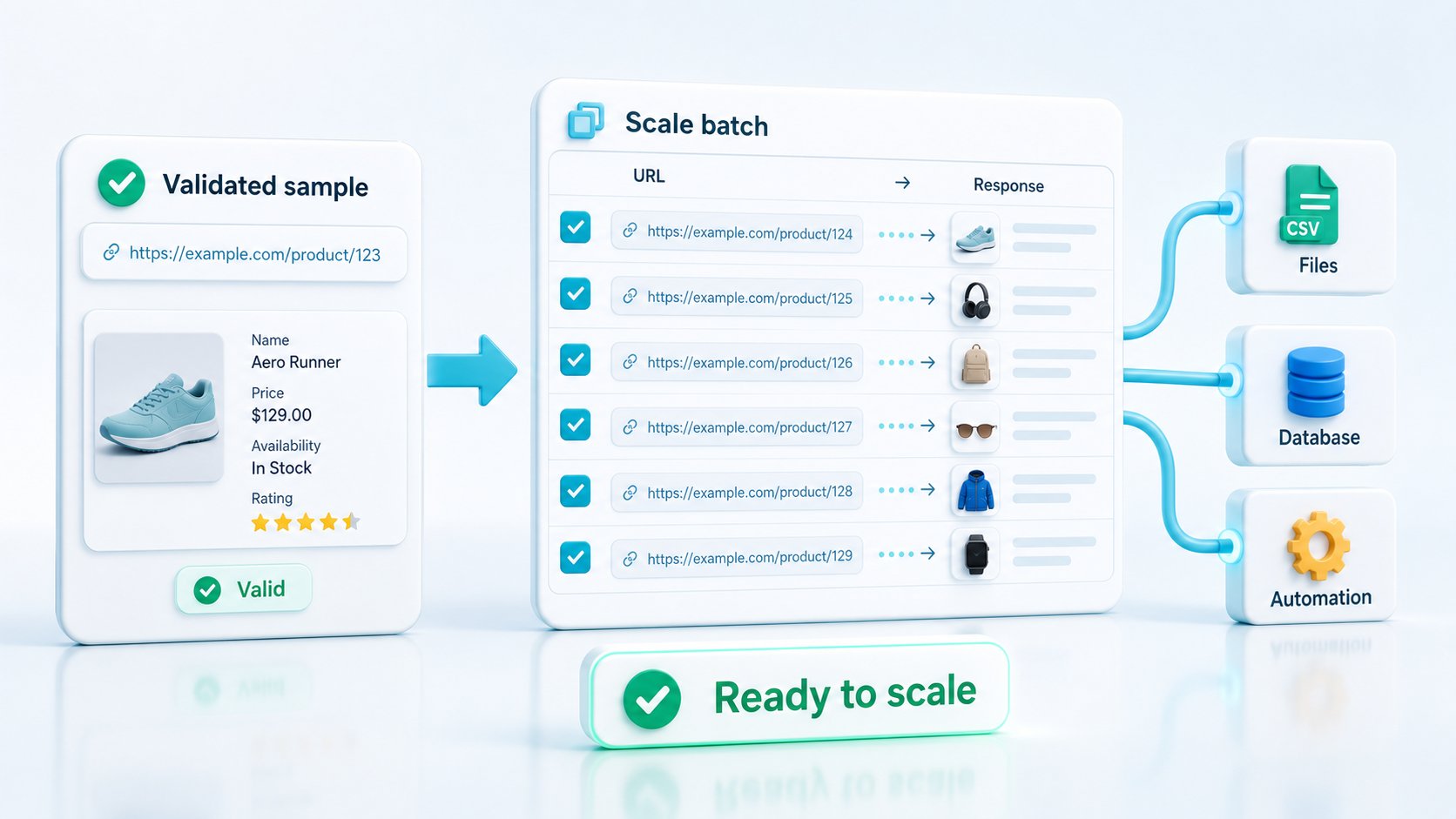
Before scaling, pick pages that expose the real variation in the target. Include a simple product, a variant-heavy product, an out-of-stock product, a discounted product, a category listing, a search result, and a page that may change by country or language. Compare raw and rendered output for each sample. If raw HTML contains the useful fields, keep the request light. If the visible page differs from source HTML, test rendering before changing parser rules.
| Page type | Signals to inspect | Common capture issue | Best first move |
|---|---|---|---|
| Product detail page | Title, SKU, price, stock, variants, images, description, specs | Variant data or price state may be client-rendered | Compare raw HTML with rendered HTML. |
| Category page | Product cards, ranking order, filters, pagination, sponsored slots | Lazy loading or sorting can change the visible set | Inspect source, rendered state, and pagination behavior. |
| Search results page | Query results, facets, zero-result states, product order | Results may depend on region, language, or session context | Test headers, country, and cookies only when output changes. |
| Availability page | Stock labels, delivery dates, store pickup, region-specific messages | Availability can vary by location or selected variant | Capture proof with metadata and screenshots when needed. |
| Marketplace listing | Seller, price range, shipping, reviews, offer count | Different sellers may use different templates or state | Sample multiple sellers before writing extraction rules. |
How should teams choose output formats for ecommerce data?
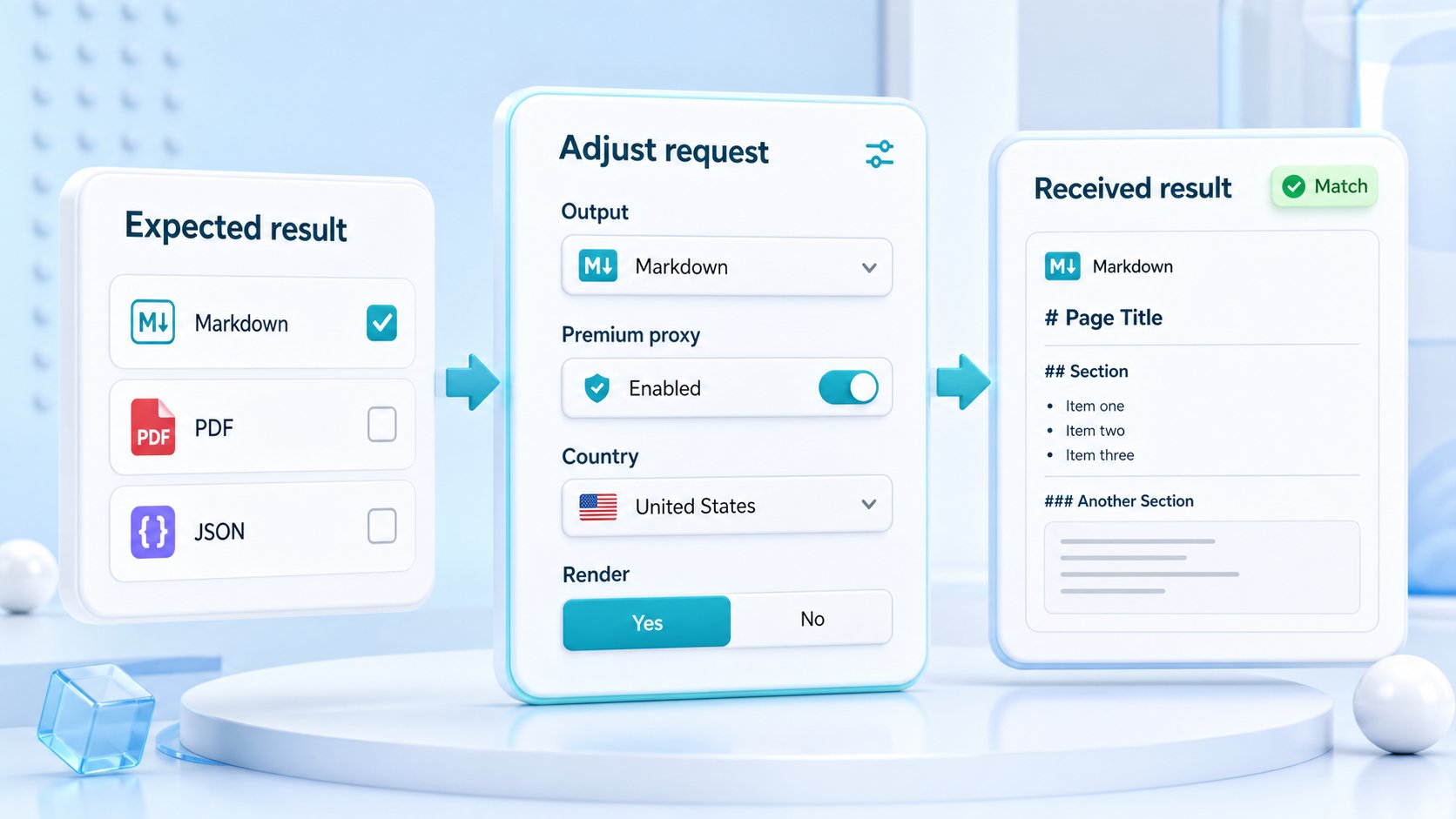
Use the output format that matches the next consumer of the capture. A selector-based parser usually needs HTML or rendered HTML. A content review workflow may prefer text or Markdown. A monitoring system may need JSON metadata to log final URL, status, content type, and response size. A QA or compliance workflow may need screenshots or PDFs to preserve the visible product page state.
Mixing formats can be useful, but each format should have a reason. Generating screenshots for every product URL is rarely efficient if the machine parser only needs HTML. Returning raw HTML to an AI enrichment pipeline may add unnecessary navigation and layout noise if Markdown is enough. ScraperFly gives the capture options; the workflow should decide which one earns its place.
For a broader format decision, use the web scraping API response formats guide. For raw source capture, start with HTML scraping. For pages where storefront data appears after browser execution, compare with JavaScript rendering.
When do rendering, sessions, headers, and country routing matter?
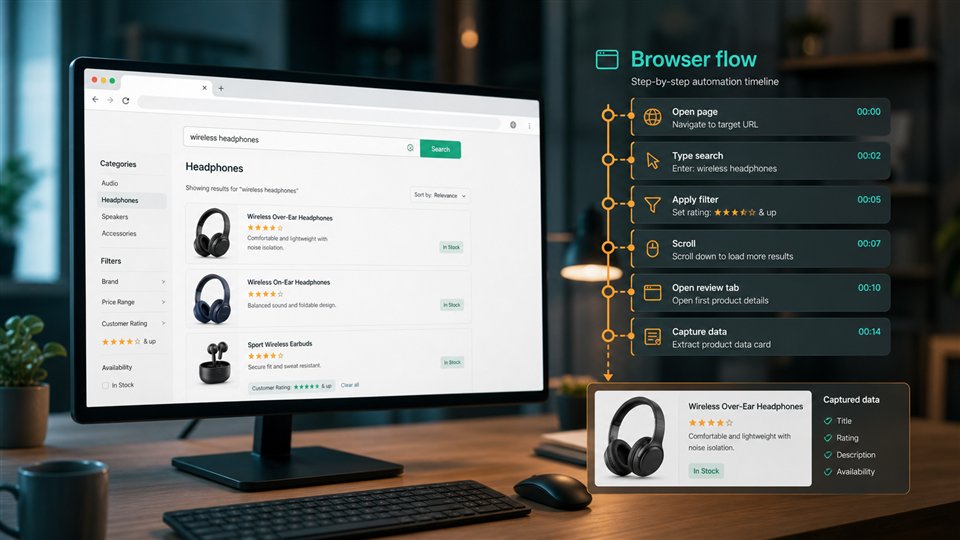
Rendering matters when the useful storefront state appears after client-side code runs. Sessions matter when related requests depend on shared cookies, selected variants, cart-like state, or continuity across pages. Headers matter when allowed request context changes language, content type, or page variant. Country routing matters when price, currency, availability, seller behavior, or redirects change by geography.
The mistake is enabling all of these controls by default. That makes simple ecommerce pages more expensive and harder to debug. A better path is evidence-based escalation: start light, compare outputs, then add the specific control that fixes the observed gap. If the product title and price are present in source HTML, the request should not become a browser workflow. If the source HTML is empty or incomplete, rendering may be the right next test. If the rendered page is still wrong because the store is location-sensitive, then country targeting may be worth testing.
How do ecommerce teams avoid brittle product extraction?
Brittle extraction usually starts when parser rules are written against one happy-path page. Ecommerce pages are full of edge cases: unavailable variants, sale and non-sale templates, sponsored cards, hidden filters, alternate sellers, product bundles, subscriptions, regional availability, consent states, mobile layouts, and marketplace pages with mixed sellers. A parser that works on one sample can fail quietly on the next template.
Build the workflow around samples and evidence. Capture several page types, store the response shape, and classify pages before scaling. Keep product detail parsing separate from category discovery. Separate visible proof from machine-readable fields. Log final URL, status, response size, content type, and whether the required fields were present. That gives your team a way to distinguish a page change from a parser bug, a blocked response, a regional variant, or a real stock change.
Practical takeaway: strong ecommerce scraping workflows test page behavior before they trust extraction rules.
What should ScraperFly handle, and what stays in your stack?
ScraperFly should handle the capture path: request delivery, rendering when needed, sessions when state matters, allowed headers, routing options, response formats, visual proof, and request diagnostics. Your stack should handle business-specific ecommerce logic: field extraction, SKU matching, taxonomy mapping, product deduplication, price-change rules, alert thresholds, stock interpretation, seller reconciliation, and database updates.
This boundary keeps the page honest and useful. It avoids pretending that any capture API can magically solve every catalog problem. It also makes the workflow easier to debug. If ScraperFly returns complete page evidence and the product field is still wrong, the downstream extraction rule likely needs attention. If the evidence itself is incomplete, then the request profile may need rendering, context, routing, or visual proof.
Where should an ecommerce scraping project start?
Start in the API Builder with a small sample set. Capture a product page as raw HTML. Compare rendered HTML if the useful content is missing. Try text or Markdown if the workflow needs readable product copy. Add screenshots only when visual state matters. Add country routing, sessions, headers, or premium delivery only when the response shows that the target changes because of those controls.
Once the sample set is clear, move to a production plan: define which pages are simple, which need rendering, which need regional context, and which need visual proof. Use pricing to keep recurring collection aligned with request weight. If your main goal is tracking price over time, connect this workflow with price monitoring. If your goal is turning product pages into structured catalog input, pair it with the product data extraction workflow.