Agent-ready evidence
Give AI agents fresh web context they can inspect before they act
AI agents are most useful when they can check current public web pages before choosing the next step. ScraperFly gives that workflow a controlled capture layer: send a target URL, choose the response format, add rendering or routing only when the source proves it needs help, and return evidence your agent system can log, review, cite, or pass into tools.
The result is not a magic browser running in the dark. It is a clear request profile your team can test, reason about, and keep stable as agents move from experiments into production workflows.

What is a web scraping API for AI agents?
A web scraping API for AI agents is a hosted request layer that lets an agent system retrieve public web pages in a useful response shape before the agent reasons, summarizes, compares, monitors, or triggers another tool. Instead of building browser workers, proxy routing, retries, response converters, and visual capture around every agent workflow, the application sends a defined request to the API and receives evidence it can evaluate.
For agentic systems, the important word is evidence. The agent should know what URL was fetched, whether the final URL changed, which status came back, whether the page was rendered, which content format was returned, and whether the body was complete enough for the next decision. That evidence can be raw HTML, rendered HTML, clean text, Markdown, JSON metadata, a screenshot, or a PDF depending on what the workflow needs.
This page is broader than RAG ingestion and different from chatbot source preparation. RAG focuses on turning source content into retrievable knowledge. Chatbot pages focus on answer material. AI agent scraping focuses on decision loops: check a source, inspect the result, decide whether to act, retry, escalate, call another tool, or stop.
Practical takeaway: give agents a web capture layer that returns inspectable source evidence, not an uncontrolled browser script hidden inside the agent loop.
Why do AI agents need fresh public web evidence?
Many agent tasks depend on information that changes after a model was trained or after an internal knowledge base was last refreshed. Prices change. Product pages move. Job listings expire. SERP features shift. Documentation is updated. Local business pages change hours and services. Market signals appear on pages that were not part of yesterday's dataset. An agent that cannot inspect current public sources may produce confident but stale work.
Fresh web capture helps the agent operate with a current view of the outside world. A research agent can validate a claim before drafting a report. A monitoring agent can compare a public page against the previous state. A sales or ops agent can inspect public company pages before routing a task. A QA agent can capture a screenshot or PDF when the visual page state matters. The point is not to scrape everything. The point is to give the agent a reliable way to check the source that matters for the next decision.
| Agent task | Useful web evidence | ScraperFly response to test |
|---|---|---|
| Research and comparison | Fresh page text, headings, source URL, and links | Text, Markdown, HTML, and JSON metadata |
| Monitoring public pages | Status, final URL, response size, visible page state, and captured content | HTML, rendered HTML, screenshot, and metadata |
| Tool-call validation | A checked source before the agent updates a record, opens a ticket, or triggers a workflow | Clean text or Markdown with source metadata |
| Visual review or approvals | A point-in-time view of what the public page displayed | Screenshot or PDF |
| Escalation decisions | Evidence that raw HTML, standard routing, or a simple request is not enough | Rendered HTML, sessions, headers, country routing, or premium routing |
Which response format should an AI agent use?
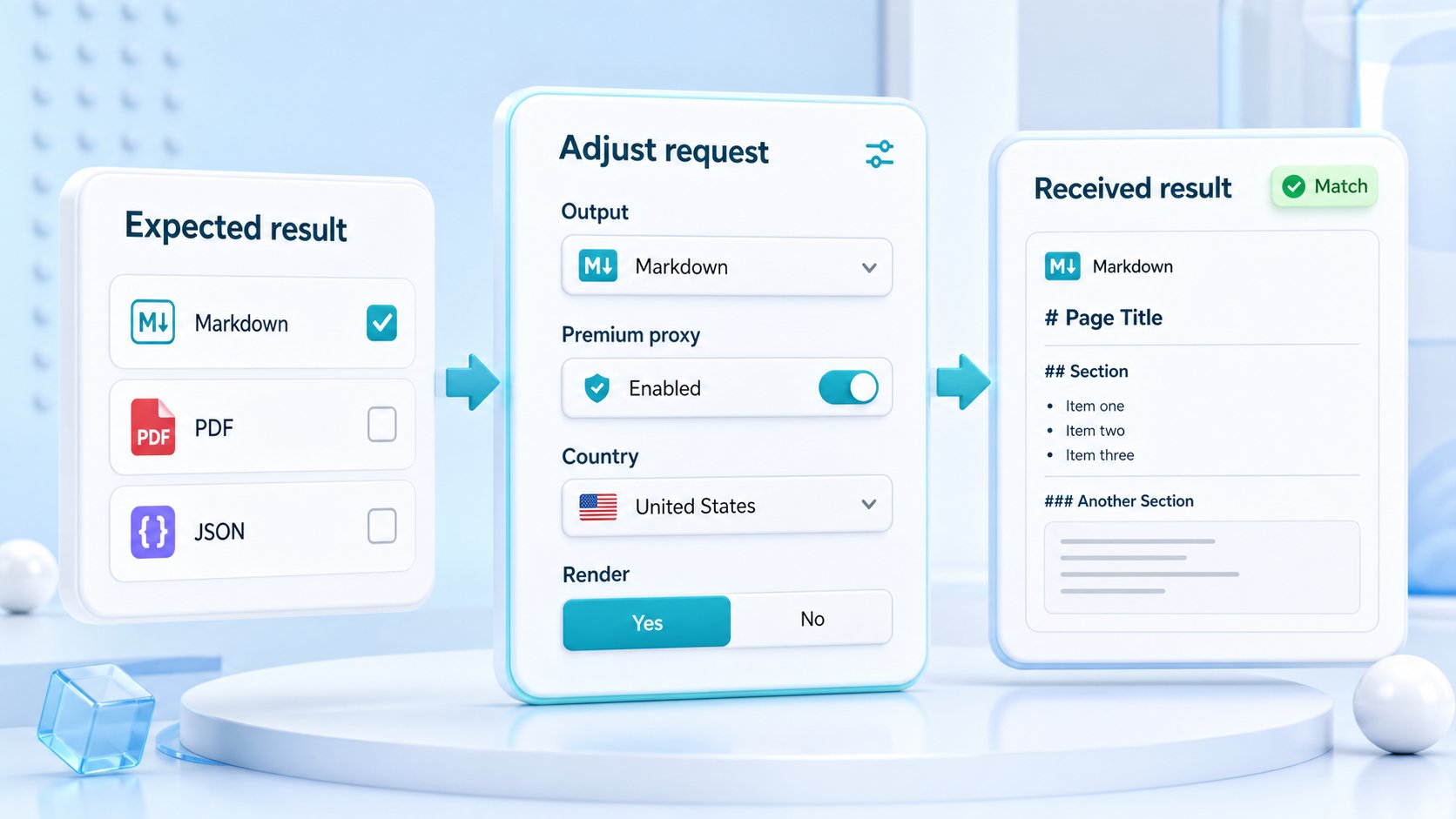
The response format should match what the agent will do next. HTML is useful when the workflow needs page structure, selectors, links, tables, metadata, or a reliable comparison between source and rendered markup. Text is useful when the agent only needs readable content. Markdown is often a strong middle path for language-model workflows because it keeps useful headings, links, and lists without carrying every layout detail. JSON metadata helps logs, guardrails, and debugging because it gives the application request evidence that should not be inferred from the body alone.
Screenshots and PDFs should be reserved for workflows that need visual proof. They are valuable for QA, compliance review, approvals, public page archives, and monitoring cases where the rendered state matters. They are usually heavier and less convenient for machine parsing, so they should not replace text or HTML when the agent only needs content.
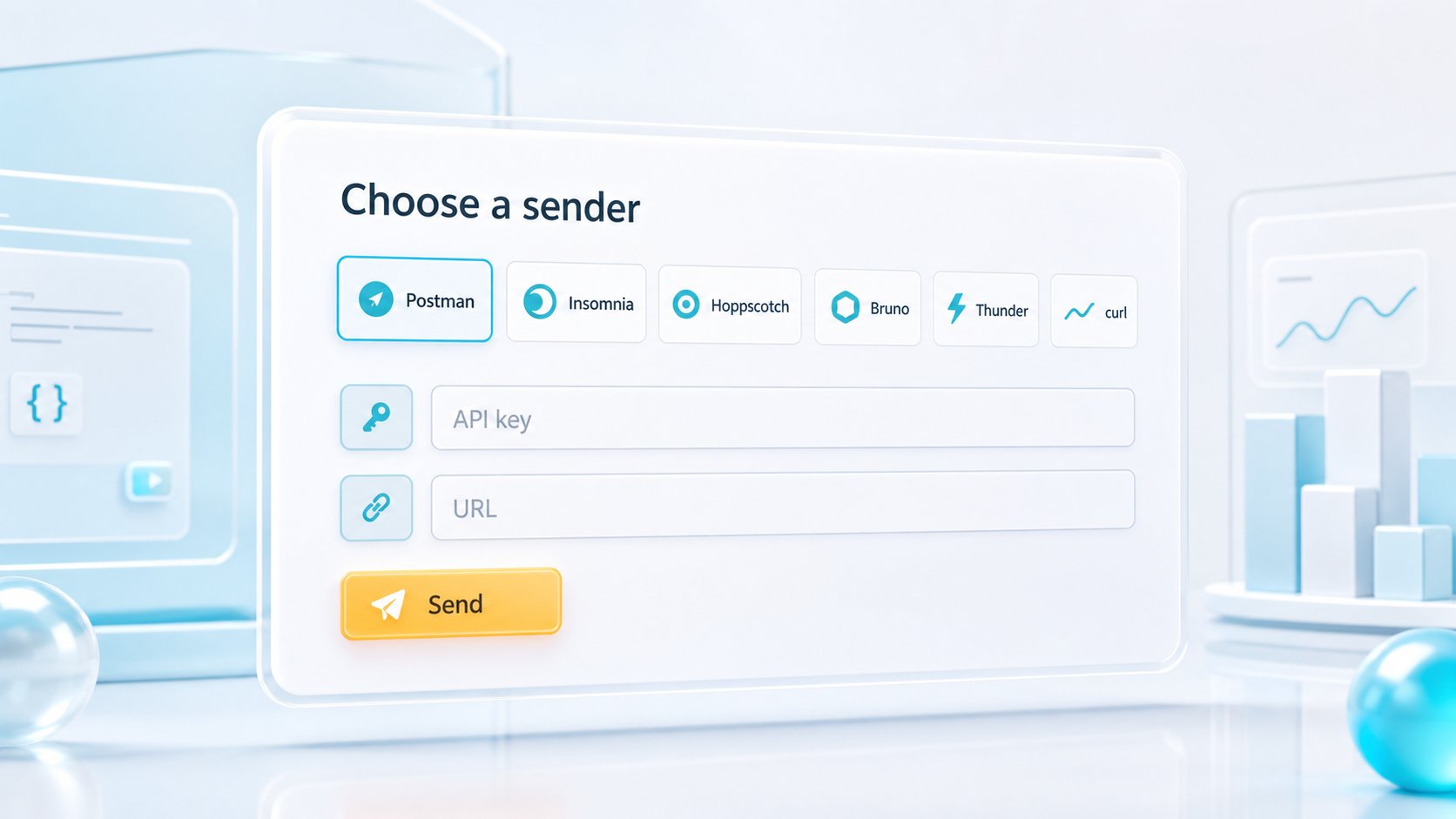
Use the response formats guide when choosing the default output. Use the API Builder to test the same URL in multiple formats before wiring the choice into an agent workflow.
When should an AI agent request browser rendering?
Browser rendering is useful when the public page does not put the required content in the initial HTML response. Many modern pages send a thin shell and then use JavaScript to fetch product data, search results, reviews, navigation state, or dynamic content. In those cases, the agent may need rendered HTML, clean text from the rendered state, a screenshot, or a PDF instead of raw source capture.
Rendering should still be a decision, not a default reflex. Start with a simple request and compare the captured source to what the workflow expects. If the useful content is already present, keep the request light. If the content appears only after client-side code runs, add rendering and choose the smallest output that supports the next step. For pages that need more precise timing, use wait controls only when the page has late-loading public content that changes the result.
For deeper browser-specific behavior, compare the JavaScript rendering API and headless browser scraping API pages before making rendered capture the default for every agent request.
How do request controls keep agent workflows reliable?
Agents can magnify small scraping mistakes. A missing URL, invalid format, empty HTML shell, redirected page, blocked response, timeout, or oversized body can become a bad tool call if the workflow does not classify the response before acting. Request controls help, but only when they are tied to what the target returned.
Headers can provide legitimate public request context such as language, content type, or referer behavior. Sessions can keep state consistent across related requests when the workflow depends on cookies or continuity. Country routing can capture region-specific public content when location changes the page. Premium routing can help when repeated evidence shows the simple delivery path is not enough. Each control should have a visible reason in the sample history.
Practical takeaway: let the agent inspect response evidence before escalation, and let the application decide which failures are retryable, fixable, or unsafe to act on.
| Control | Use it when | Agent guardrail |
|---|---|---|
| Rendering | Useful content appears only after browser execution | Compare raw and rendered output before enabling it broadly. |
| Sessions | Related public requests depend on shared cookies or state | Reuse state only inside the workflow that needs continuity. |
| Headers | The target expects a legitimate language, content, or referer context | Forward only values that the workflow can explain. |
| Country routing | Public content changes by location, currency, availability, or language | Log the region used so the agent can cite the right context. |
| Visual output | Humans need proof of what the page displayed | Use screenshots and PDFs for selected evidence, not every text-only decision. |
How should teams avoid generic AI scraping pipelines?
A generic agent pipeline tries to fetch every source the same way, then asks the model to clean up the uncertainty later. That creates noisy prompts, brittle decisions, higher request weight, and harder debugging. A better workflow classifies the source before the agent relies on it. Is the page reachable? Did it redirect? Is the content present in raw HTML? Does rendering change the result? Is the output readable? Does the page require regional context? Is a screenshot needed as proof?
ScraperFly fits that pattern because the capture step remains explicit. The team can test representative sources, choose the response format, decide which controls belong in the default profile, and leave harder targets with their own profile. The agent receives cleaner evidence and the engineering team keeps a traceable reason behind every heavier request option.
How does ScraperFly support AI agents without replacing the agent stack?
ScraperFly is the public web capture layer. It does not replace your agent framework, memory, retrieval system, prompt orchestration, vector database, or business logic. Your application still decides what the agent is allowed to do, which sources are trusted, how results are validated, when a tool call is safe, and where captured evidence is stored.
That separation is useful. The scraping API handles the operational work around public page capture: request delivery, response formats, rendering, routing, headers, sessions, screenshots, PDFs, and diagnostics. The agent stack handles reasoning, planning, ranking, tool use, review rules, and user-facing action. Keeping those responsibilities separate makes failures easier to diagnose and keeps agent behavior easier to govern.
For ingestion-heavy workflows, review scraping API for RAG. For chatbot source preparation, review web scraping API for AI chatbots. For broader API setup, start from the main web scraping API page.
Where should an AI agent team start?
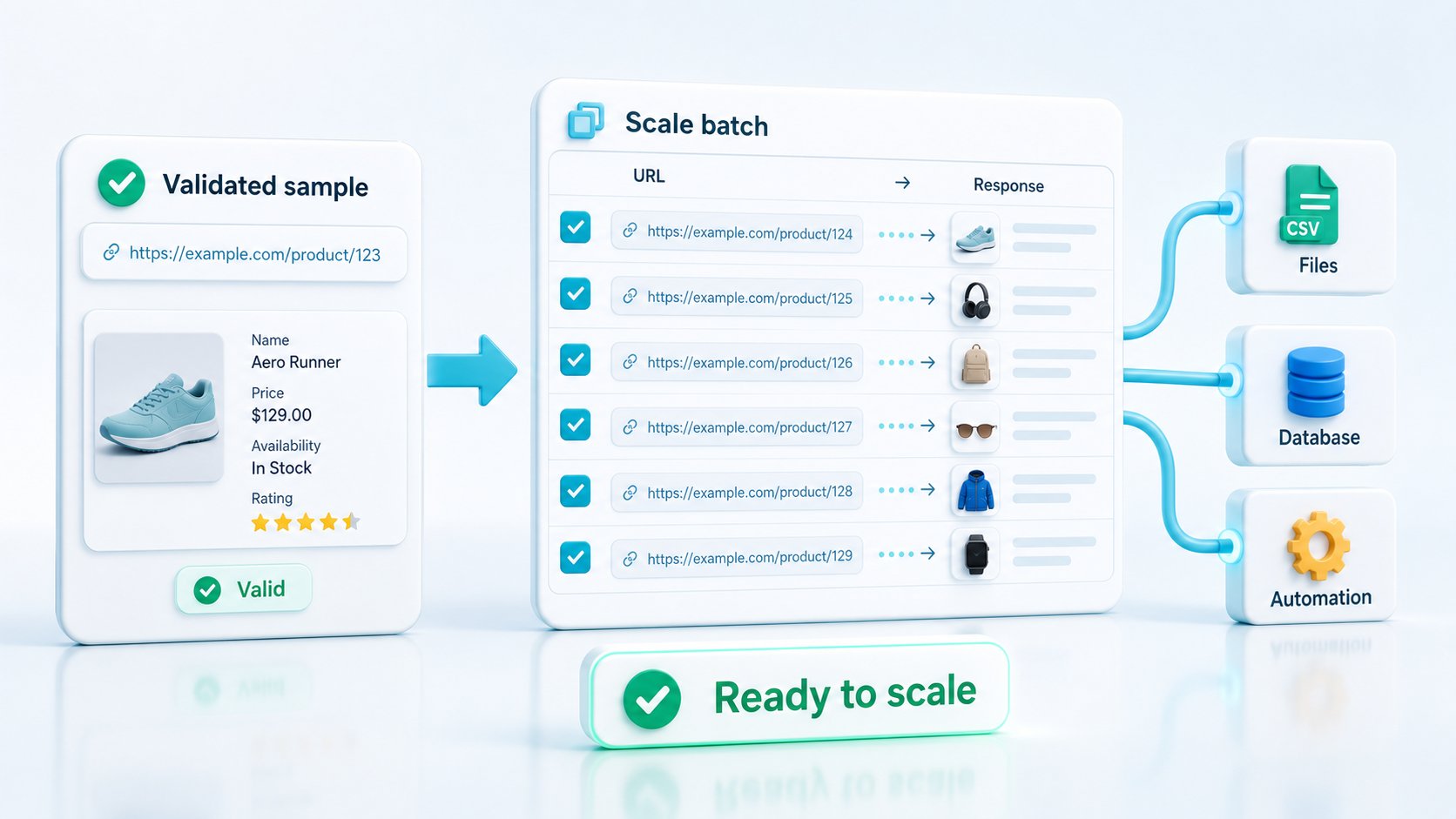
Start with a small set of real public sources and define what evidence the agent needs before it acts. For each source, test the simplest request first, choose the output format, inspect status and final URL, compare raw and rendered capture when needed, and keep only the controls that improve the result. Then move the proven request profile into the agent workflow with logs, retry rules, and a clear stop condition for bad responses.
Open the API Builder to create the first request profile. Once the workflow shows recurring demand, use pricing and the credit cost calculator to keep request weight aligned with real source behavior.