Question research evidence
Capture the question set before turning it into content strategy
People Also Ask research is useful only when the questions stay tied to the SERP that produced them. A list of questions without the seed query, visible answer, source URL, market context, rendered state, and capture time can quickly become noisy content advice. ScraperFly gives SEO and content teams a controlled way to capture public SERP pages that contain PAA sections before downstream tools cluster, score, outline, or prioritize the questions.
The workflow stays honest: ScraperFly captures the public page evidence; your own system handles editorial strategy, keyword volume, clustering, scoring, article outlines, and publishing decisions. That separation makes the research easier to audit because every topic idea can point back to the page state that created it.

What is a People Also Ask scraping API?
A People Also Ask scraping API captures public search result pages where PAA modules appear and returns the page evidence in a format your workflow can inspect. The useful output can include rendered HTML for extraction, text or Markdown for review, metadata for diagnostics, and screenshots or PDFs when the visual SERP layout matters. Your downstream application then decides how to group questions, connect them to topics, and turn them into content work.
This is different from a keyword research suite. ScraperFly does not estimate search volume, score content opportunities, or decide which questions deserve articles. It helps you capture the source page consistently, so your own SEO process can make those decisions with traceable evidence instead of copied question lists detached from the original SERP.
Practical takeaway: preserve the query, PAA module, answer snippet, source URL, and capture context before treating a question as a real content opportunity.
What PAA evidence should be captured?
A strong PAA record includes more than question text. It should preserve the seed query, market or language context, visible question, answer snippet, source or publisher URL, position inside the module, related questions, timestamp, response status, final URL, and whether the page required rendering. When layout proof matters, a screenshot helps reviewers confirm that the module was actually visible and not inferred from a broken or incomplete response.
That evidence makes content planning more practical. A writer or SEO analyst can see whether a question belongs to the core topic, a comparison angle, a troubleshooting intent, a buying concern, or a related informational branch. The downstream system can cluster, deduplicate, and prioritize with more context because the capture layer did not flatten the SERP into a generic list.
| Evidence area | What to store | Why it helps |
|---|---|---|
| Query context | Seed query, language, country, timestamp, final URL | Shows which search context produced the question set. |
| Question evidence | Visible question, answer snippet, module position, related items | Preserves the shape of the PAA section before clustering. |
| Source evidence | Publisher URL, visible source, page title, snippet source context | Helps reviewers understand where the answer came from. |
| Capture diagnostics | Status, content type, response size, raw vs rendered output | Separates real SERP changes from capture failures. |
| Visual proof | Screenshot or PDF of the public result page | Confirms module presence, layout, and visible answer state. |
Why are PAA sections harder than ordinary page content?
PAA modules are part of a search result page, not a stable article page. They can vary by query wording, market, language, device assumptions, personalization context, result layout, and timing. A page may show a PAA section in one sample and not in another. A raw HTML response may miss content that appears after browser execution. A visible module may include collapsed answers, dynamically expanded panels, or source links that need careful parsing.
That means the first job is not to collect the largest possible list. The first job is to prove what the public page returns for representative queries. Compare raw and rendered output, record response evidence, inspect visible modules, and keep query settings consistent. Once capture is stable, the downstream workflow can cluster questions, map them to content gaps, or connect them to existing pages with more confidence.
Which response format works best for PAA research?
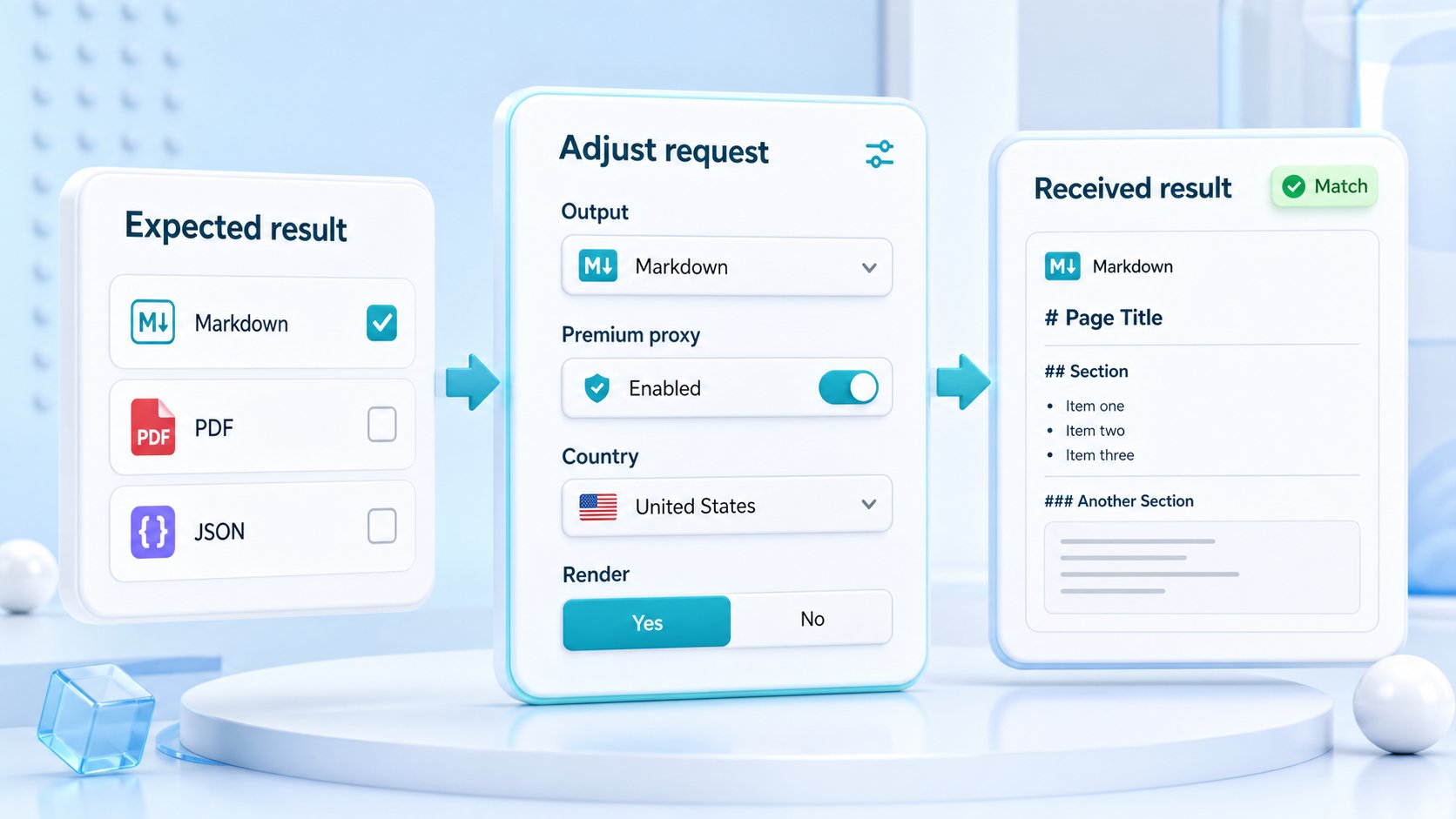
Rendered HTML is often useful when the extraction process needs the actual DOM after the browser builds the SERP module. Raw HTML is still worth testing first because some result pages expose enough structure without browser execution. Text and Markdown are useful for review workflows because questions and snippets are easier for humans, editors, and AI-assisted research tools to read. JSON metadata helps the pipeline store request context and diagnose unexpected differences between samples.
Screenshots and PDFs are best used as visual proof. They should not replace machine-readable extraction for every sample, but they help when a team needs to verify that a PAA module was visible, compare SERP layouts, preserve a research snapshot, or resolve a disputed content recommendation.
| Format | Best fit | Practical note |
|---|---|---|
| Raw HTML | Simple extraction when the PAA markup is already present | Start here before making browser execution the default. |
| Rendered HTML | Dynamic SERP modules, expanded answers, browser-built sections | Use when rendering changes the useful question evidence. |
| Text or Markdown | Editorial review, AI-assisted research, content planning | Keeps questions and answer snippets readable for humans. |
| JSON metadata | Diagnostics, logging, final URL, status, response context | Stores the capture trail beside the parsed question set. |
| Screenshot or PDF | Visual SERP proof, QA, archives, disputed findings | Reserve for samples where visual layout matters. |
How should teams validate PAA capture?
Validation should compare representative queries before scaling. Test a head term, a long-tail question query, a commercial comparison query, a troubleshooting query, and a location-sensitive query when relevant. For each sample, compare raw and rendered output, check whether the PAA module is visible, verify answer snippets and source URLs, and store the response context. If a sample returns an empty shell, redirect, soft block, or unexpected layout, treat it as capture evidence rather than a content insight.
Good validation also keeps the editorial workflow cleaner. Questions that appear across many related SERPs may become topic candidates. Questions that only appear in a narrow query or market may be better handled as FAQ, supporting copy, or research notes. Questions with weak or unclear source evidence should be reviewed before they shape a page outline. ScraperFly helps preserve the page state so those downstream choices are less speculative.
What should stay downstream from ScraperFly?
ScraperFly should not be framed as an automatic PAA strategy engine. It does not promise keyword volume, ranking outcomes, content scores, topic authority, clustering quality, or editorial decisions. It captures public page evidence and gives your workflow the formats and controls needed to inspect that evidence. Your SEO system decides how questions map to pages, how much weight they deserve, and what content should be written.
That boundary is useful. A content team can change its clustering rules without changing the capture layer. A research workflow can preserve screenshots only for important samples. An AI workflow can use Markdown or text while a parser keeps HTML for structured extraction. Each downstream system gets the response shape it needs without pretending the scraping API owns the whole content strategy.
How should teams start with ScraperFly?
Start in the API Builder with a small set of public SERP URLs or query pages. Test HTML first, then compare rendered output if the PAA section is missing or incomplete. Choose text or Markdown when the first reviewer is a human or AI-assisted research workflow. Add screenshots when module presence or layout proof matters. Keep country, language, headers, and sessions explicit when SERP behavior changes by context.
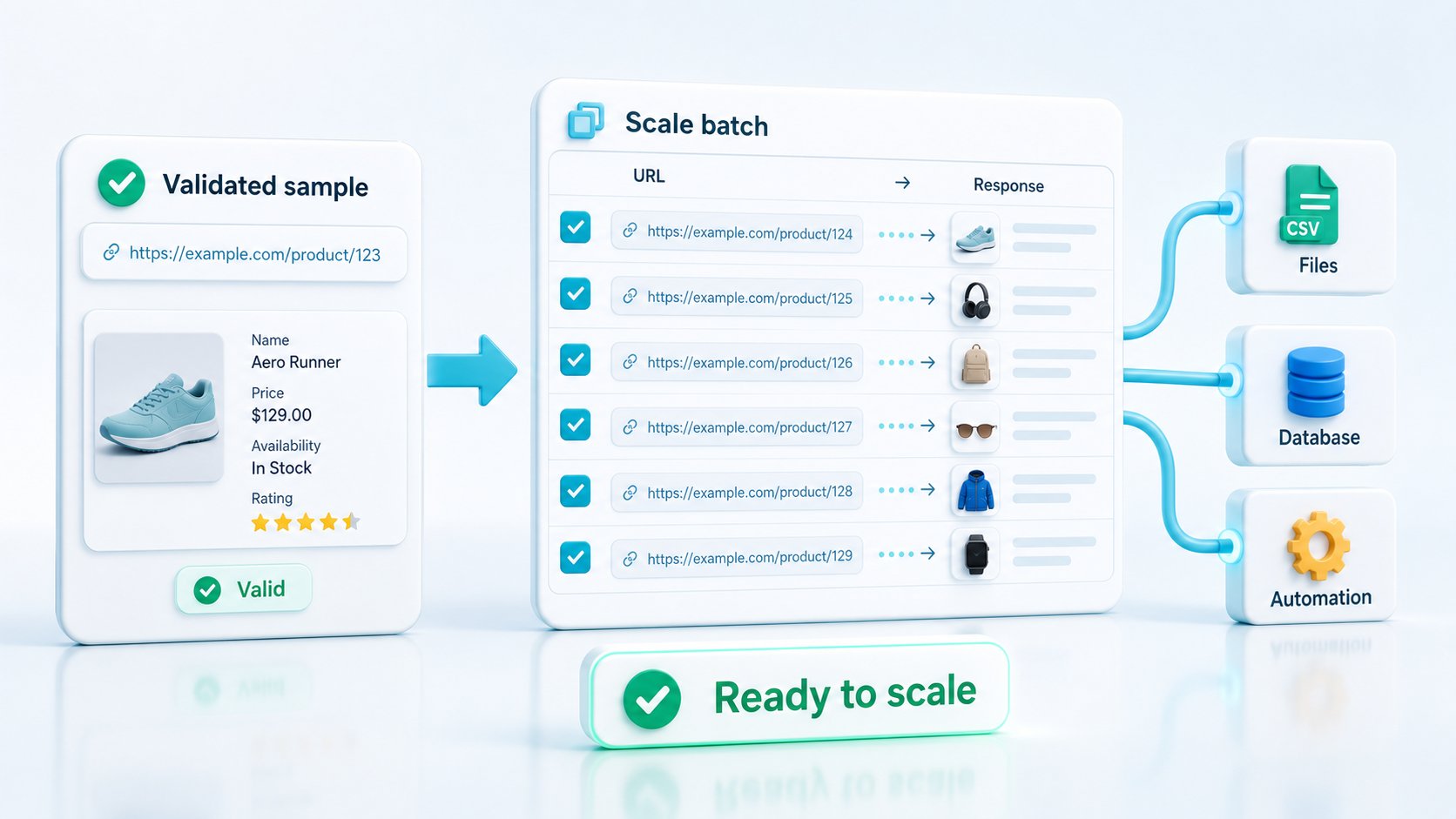
Once the request profile is proven, scale by query groups rather than guessing globally. Use lighter requests where the SERP evidence is stable, reserve rendering for pages that need it, and keep visual outputs for proof-heavy samples. Related pages can help tune the workflow: local SERP scraping, SERP rank tracking, JavaScript rendering API, and response formats.