Chatbot source content
Prepare public website content before chatbot answers depend on it
AI chatbots need source material that is current, readable, and easy to verify before it reaches prompts, retrieval, review queues, or answer workflows. ScraperFly gives teams a controlled way to capture public pages as clean text, Markdown, HTML, JSON metadata, screenshots, or PDFs while keeping rendering and routing decisions visible.
That makes the scraping layer practical: gather better source content, inspect what the chatbot will see, and keep the answering logic inside your own chatbot stack.

What is a web scraping API for AI chatbots?
A web scraping API for AI chatbots is a hosted public page capture layer that prepares website content before it enters a chatbot knowledge workflow. Your application sends a target URL, chooses the response format, and receives source evidence that can be reviewed, cleaned, chunked, indexed, summarized, or used as context by the systems that power the chatbot.
This is different from asking a chatbot to browse freely. A production team usually needs source control: which public page was fetched, whether the final URL changed, whether the page loaded successfully, which content format was returned, whether JavaScript rendering was required, and whether the captured body is complete enough to support answers. ScraperFly keeps that capture step explicit.
It is also different from a full RAG platform. ScraperFly does not replace embeddings, retrieval ranking, vector storage, answer generation, memory, or moderation. It prepares the public web source material that those systems may use later.
Practical takeaway: use a scraping API to control the source intake step, then let your chatbot stack handle answers, retrieval, memory, and governance.
Which chatbot sources are worth capturing?
Chatbot quality depends on source quality. A useful chatbot often needs public product pages, documentation, help center articles, pricing pages, policies, support notices, menus, store pages, changelogs, listings, or public knowledge base content. The goal is not to scrape every page on the web. The goal is to capture the public pages that answer real user questions and keep them fresh enough for the chatbot to trust.
Before scaling, sample the page types your chatbot will rely on. Check whether the main content is present in source HTML, whether the page needs rendering, whether navigation boilerplate overwhelms the body, whether content changes by region or language, and whether visual proof is needed for review. A chatbot source workflow should reject low-quality captures before they become low-quality answers.
| Source type | What the chatbot needs | Best first response to test |
|---|---|---|
| Product and category pages | Names, descriptions, availability, price context, specs, and links | HTML, text, Markdown, and JSON metadata |
| Help center and docs pages | Headings, steps, warnings, links, version notes, and article body | Markdown or text, with HTML when structure matters |
| Policy and terms pages | Current language, dates, sections, and citation-friendly excerpts | Markdown, text, and PDF when archive proof matters |
| Local business or service pages | Hours, services, addresses, region-specific copy, and availability | Text, rendered HTML, country routing, and screenshot if review is needed |
| Dynamic support pages | Content that appears after JavaScript, consent, localization, or late loading | Rendered HTML, wait controls, text, Markdown, or screenshot |
Which response format should feed chatbot context?
The best response format depends on what happens after capture. Text is compact and useful when the chatbot pipeline only needs readable page content. Markdown often works better when headings, lists, links, and sections help the downstream system preserve meaning. HTML is useful when the team needs selectors, tables, metadata, source structure, or custom cleanup rules. JSON metadata helps with logging, freshness checks, final URL validation, and diagnostics. Screenshots and PDFs help when a human reviewer needs proof of the rendered public page.
Do not choose a familiar format just because it is easy to request. Choose the format your chatbot workflow can use with the least extra cleanup. If the page is going into retrieval, Markdown may be a good source shape. If the team is building a custom parser, HTML may be safer. If the page needs human approval, a screenshot or PDF can sit beside the machine-readable response.
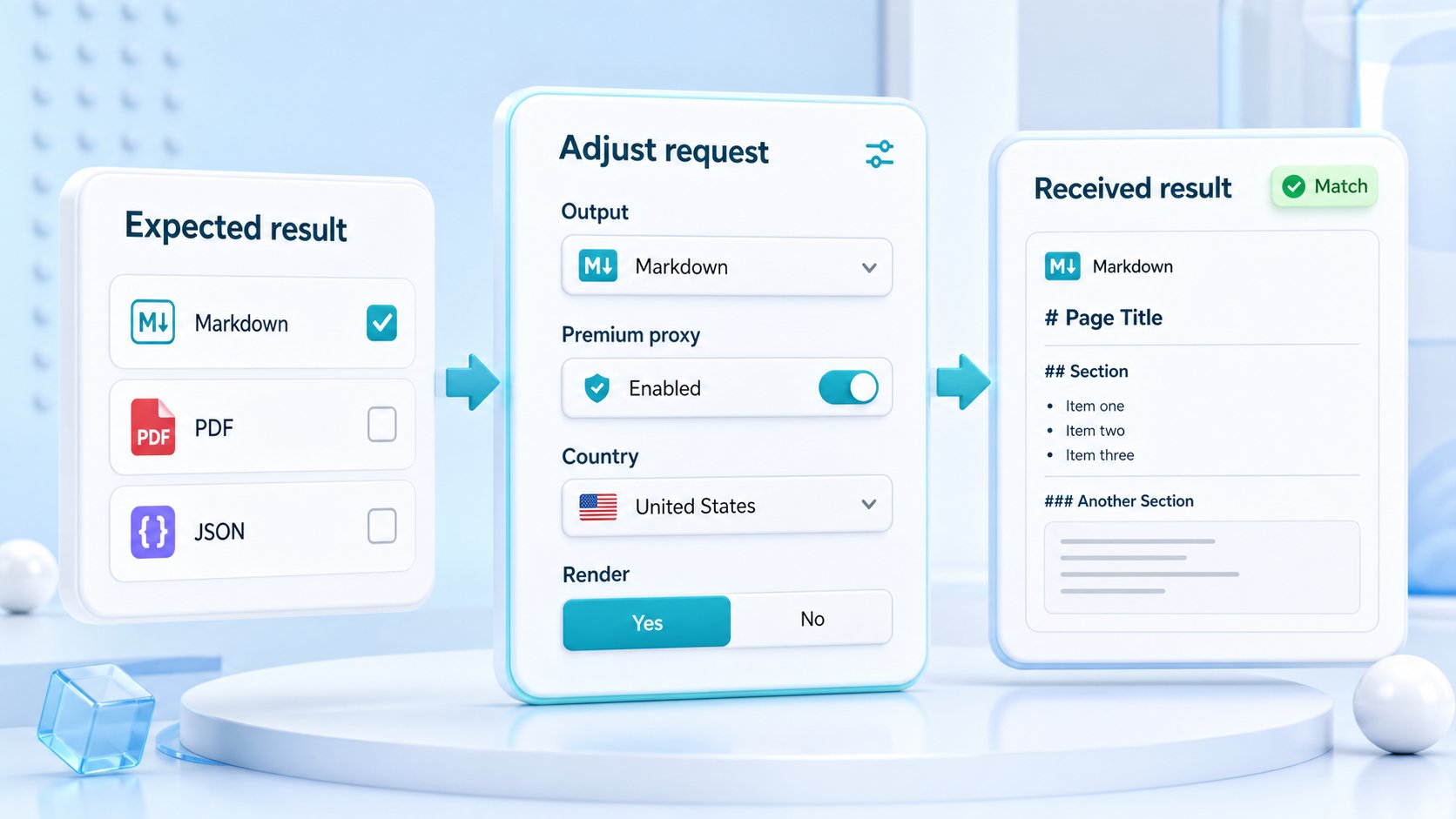
Use the response formats page to compare the trade-offs, then test the exact target in the API Builder before deciding what goes into the chatbot pipeline.
How do you keep chatbot source content fresh?
Freshness is not only a schedule. It is a source policy. Some pages change daily, some change only when a product or support article is updated, and some should be captured only when a user asks a question that needs current public evidence. A good workflow classifies source pages by volatility, importance, and risk before choosing refresh behavior.
ScraperFly supports that kind of practical source intake because each request profile can stay explicit. A team can keep simple pages light, render only dynamic pages, request visual files only for pages that need review, and store response evidence with the captured content. That evidence helps the chatbot team decide whether a page should be accepted, refreshed, excluded, or sent to human review.
| Freshness signal | What to inspect | Chatbot workflow decision |
|---|---|---|
| Final URL | Redirects, canonical changes, and moved pages | Update source records or stop before indexing the wrong page. |
| Status and response size | Missing pages, thin shells, server errors, and unusually small bodies | Reject weak captures before they become answer context. |
| Rendered content | Client-side text, product blocks, menus, notices, and loaded articles | Enable rendering only where it changes the captured source. |
| Metadata and headings | Page title, sections, dates, links, and source boundaries | Keep answers tied to identifiable public pages. |
| Visual state | Screenshots, PDFs, page layout, banners, and visible warnings | Add proof for review, archive, or compliance workflows. |
When should chatbot scraping use JavaScript rendering?
Use rendering when the useful chatbot source content appears only after browser-side JavaScript runs. Many product pages, support portals, app directories, menus, and search pages load important text after the initial HTML response. In those cases, raw source capture may produce an empty shell or incomplete content, while rendered capture gives the workflow the actual page state.
Rendering should still be tested per source type. If a documentation page already includes article content in the initial HTML, keeping the request light is usually better. If a page needs a wait for late-loading content, add it deliberately. If a page changes by country, language, or user-visible context, combine rendering with the smallest context controls that change the result.
For pages that rely heavily on client-side content, review the JavaScript rendering API. For stateful public flows, compare sessions and request context before assuming one global profile fits every source.
How do teams avoid noisy chatbot answers?
Noisy answers often begin before the model ever sees a prompt. The source capture may include navigation, footer links, cookie banners, duplicate modules, unrelated recommendations, old versions, empty bodies, or content from the wrong region. A chatbot stack can try to clean that later, but it is safer to improve the source intake step first.
Start by deciding what the chatbot should know from each page type. Then capture representative samples, compare formats, inspect headings and body content, and reject pages that do not produce useful source evidence. Keep source URL, final URL, status, response format, and capture time attached to the content. When users ask sensitive or high-stakes questions, the chatbot team can trace the answer back to a real public page instead of a vague content blob.
Practical takeaway: better chatbot answers start with cleaner source capture, clear provenance, and a format chosen for the downstream answer workflow.
Where should a chatbot team start?
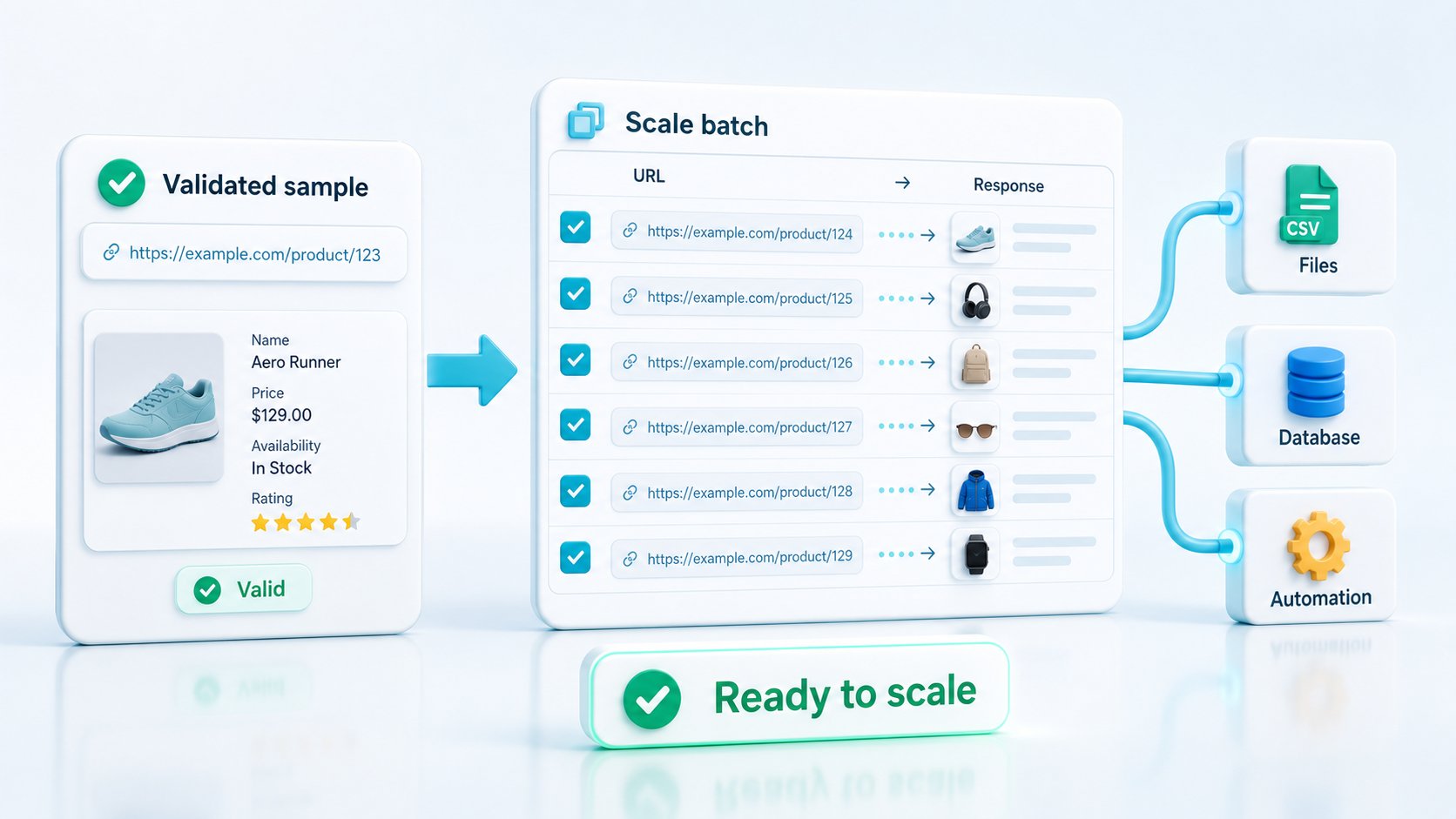
Start with a small list of public pages that answer real user questions. Include easy static pages, dynamic pages, support articles, product pages, policy pages, and any source that changes by region or language. Test each source with the lightest useful request, compare text, Markdown, HTML, and rendered output where needed, and decide what qualifies as acceptable source evidence.
Use API Builder to shape the first request profile. If the workflow becomes ingestion-heavy, compare it with scraping API for RAG. If the chatbot needs broader autonomous source checks before tool calls, compare web scraping API for AI agents. For cost planning, review pricing after the request profiles are proven.